Free diagrams that explain how logins and attacks work
Six plain diagrams for articles, lessons, slides and security training. Each one walks through a single idea in three or four steps, from how two-factor login works to how phishing steals a password.
They're free to use, change and share under CC BY 4.0, including in paid work. Just add a credit line. The download is a high-res PNG at 3200 by 1800 pixels.
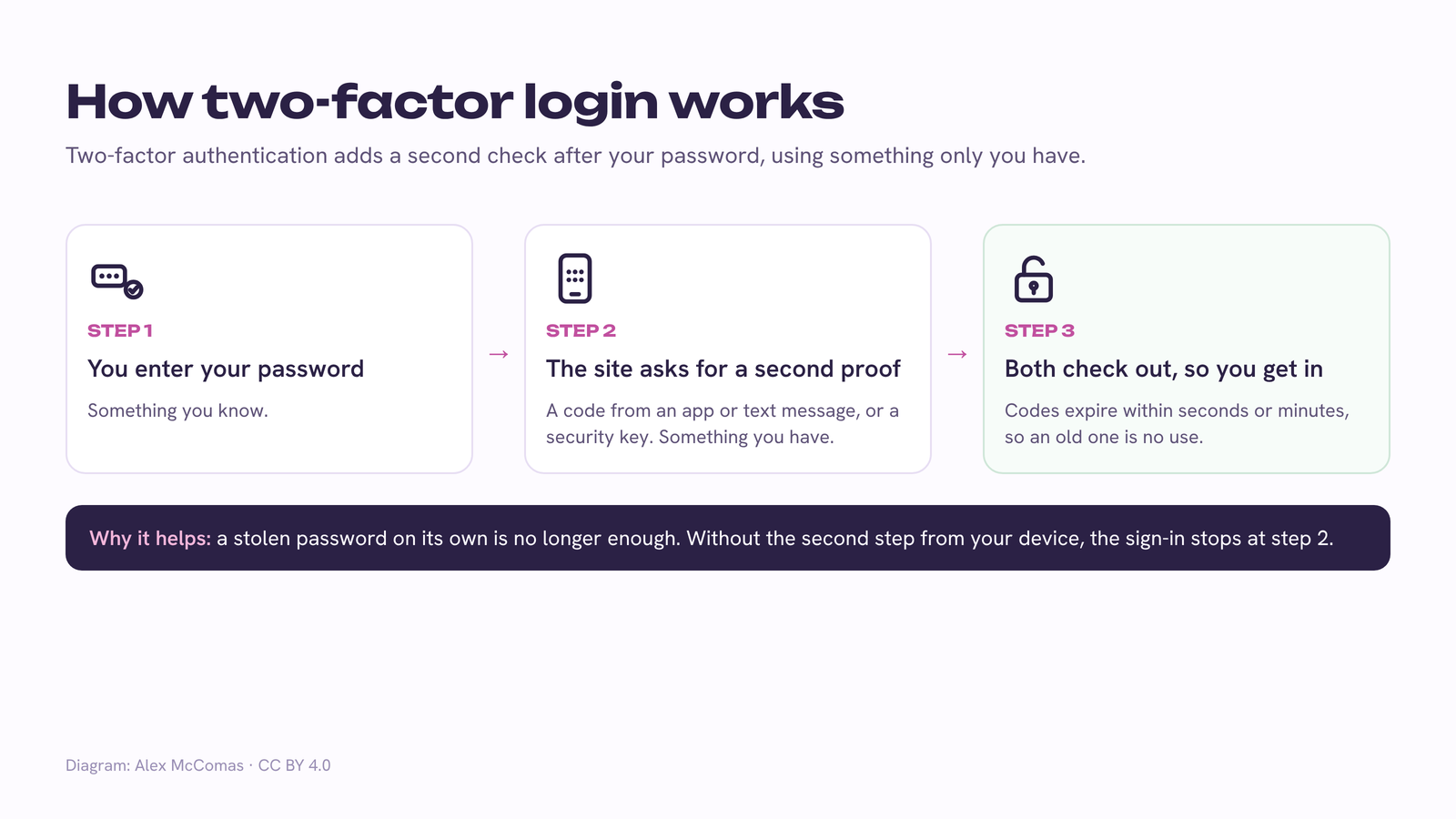
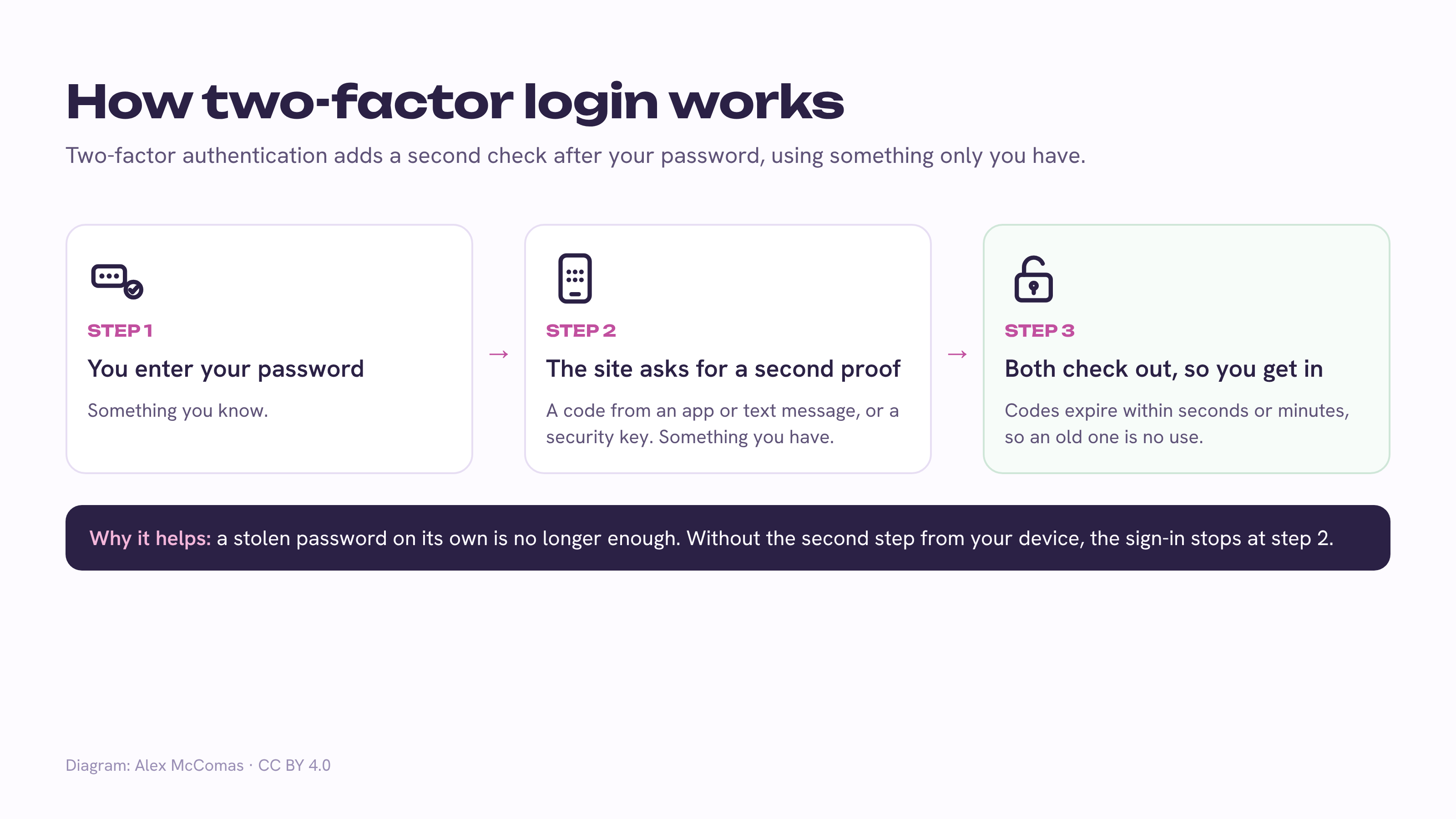
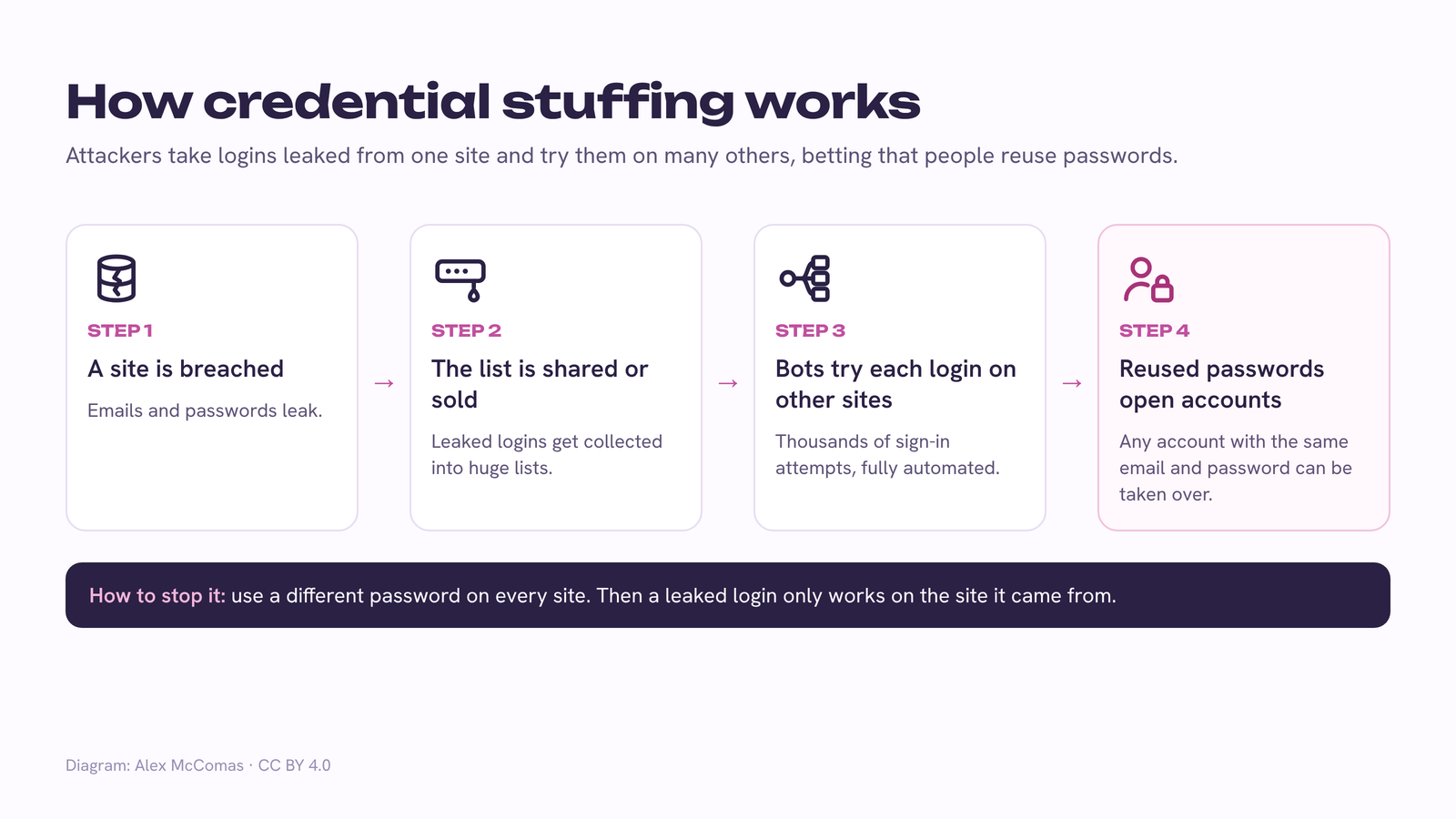
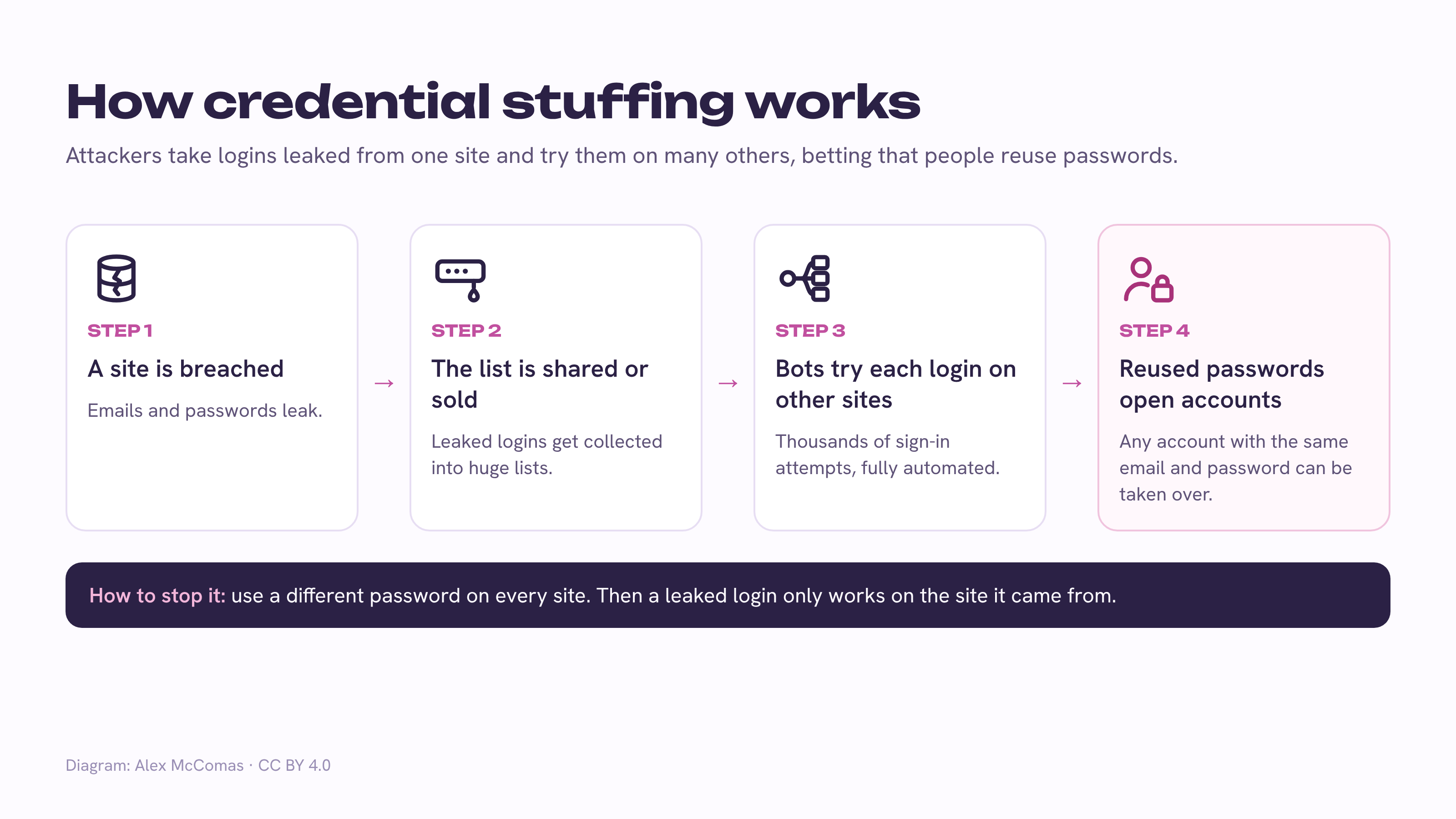
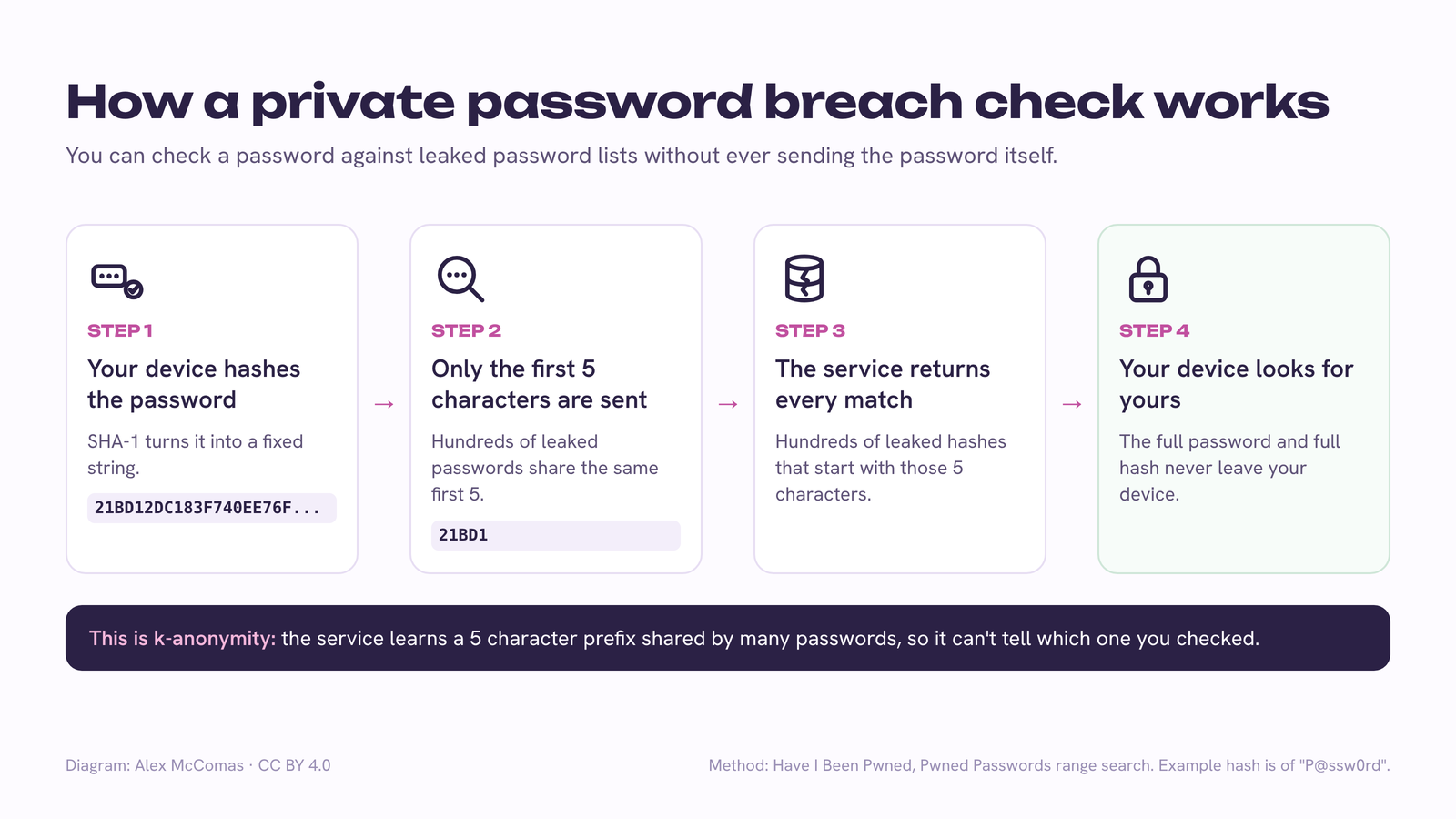
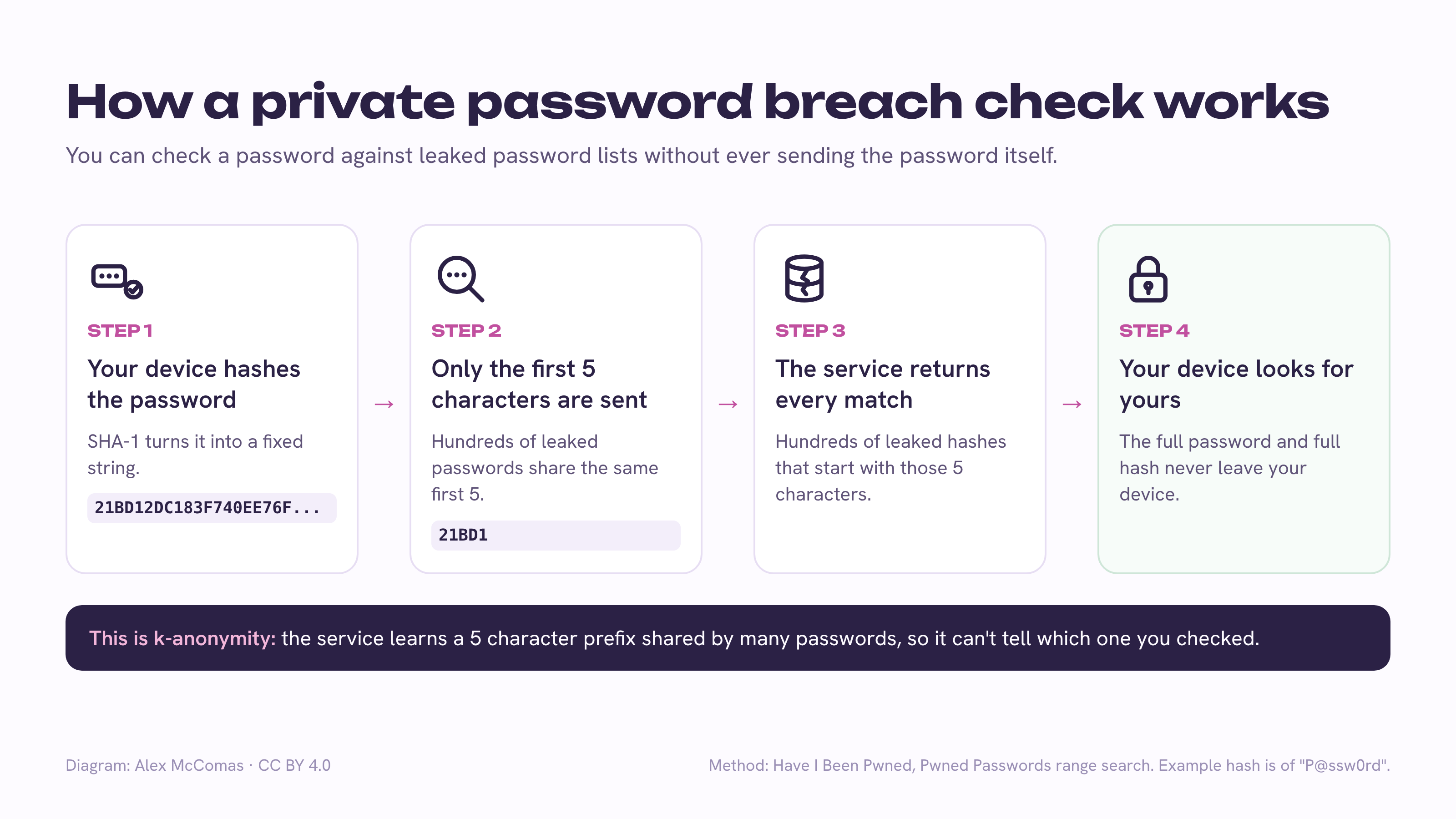
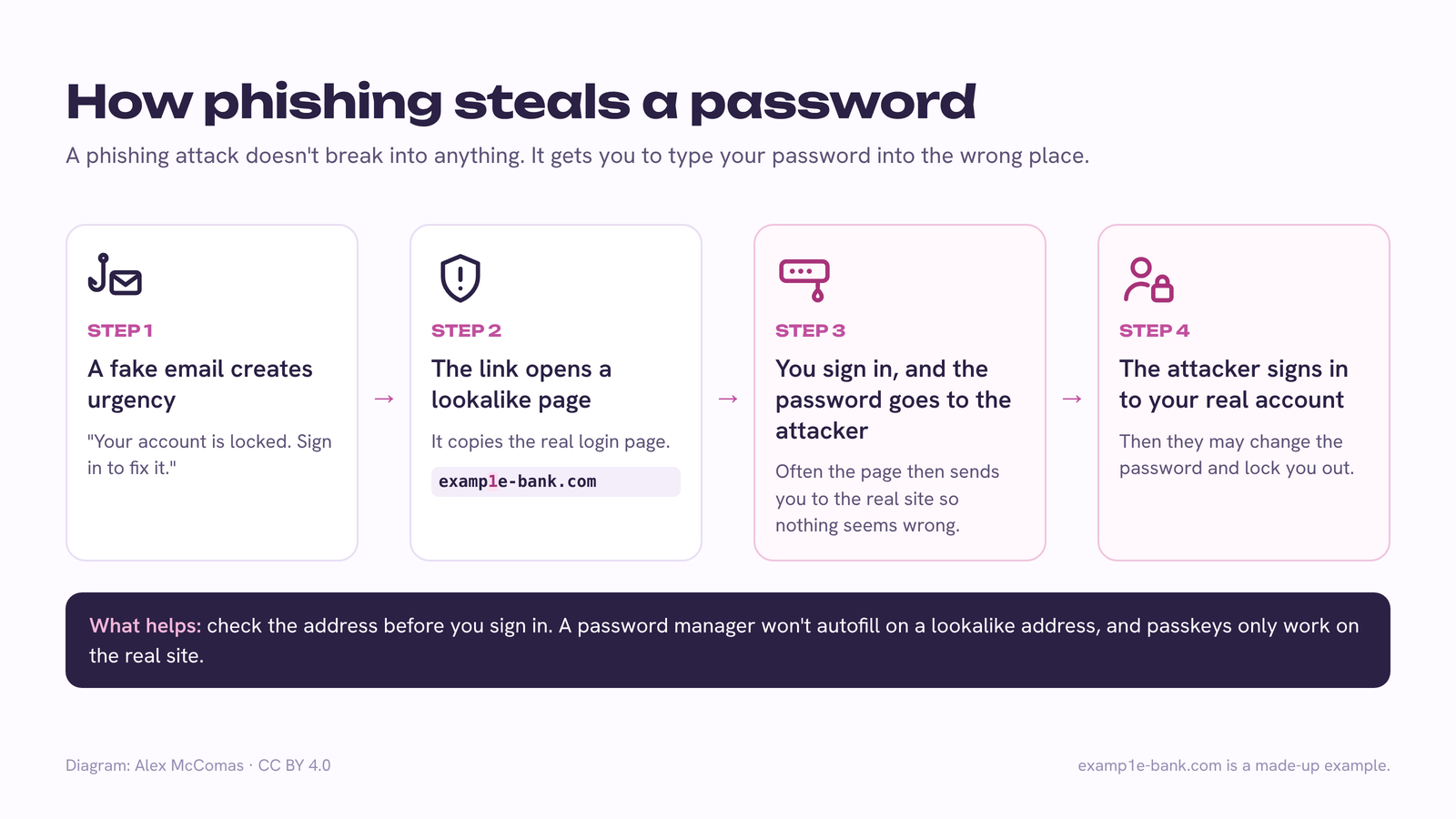
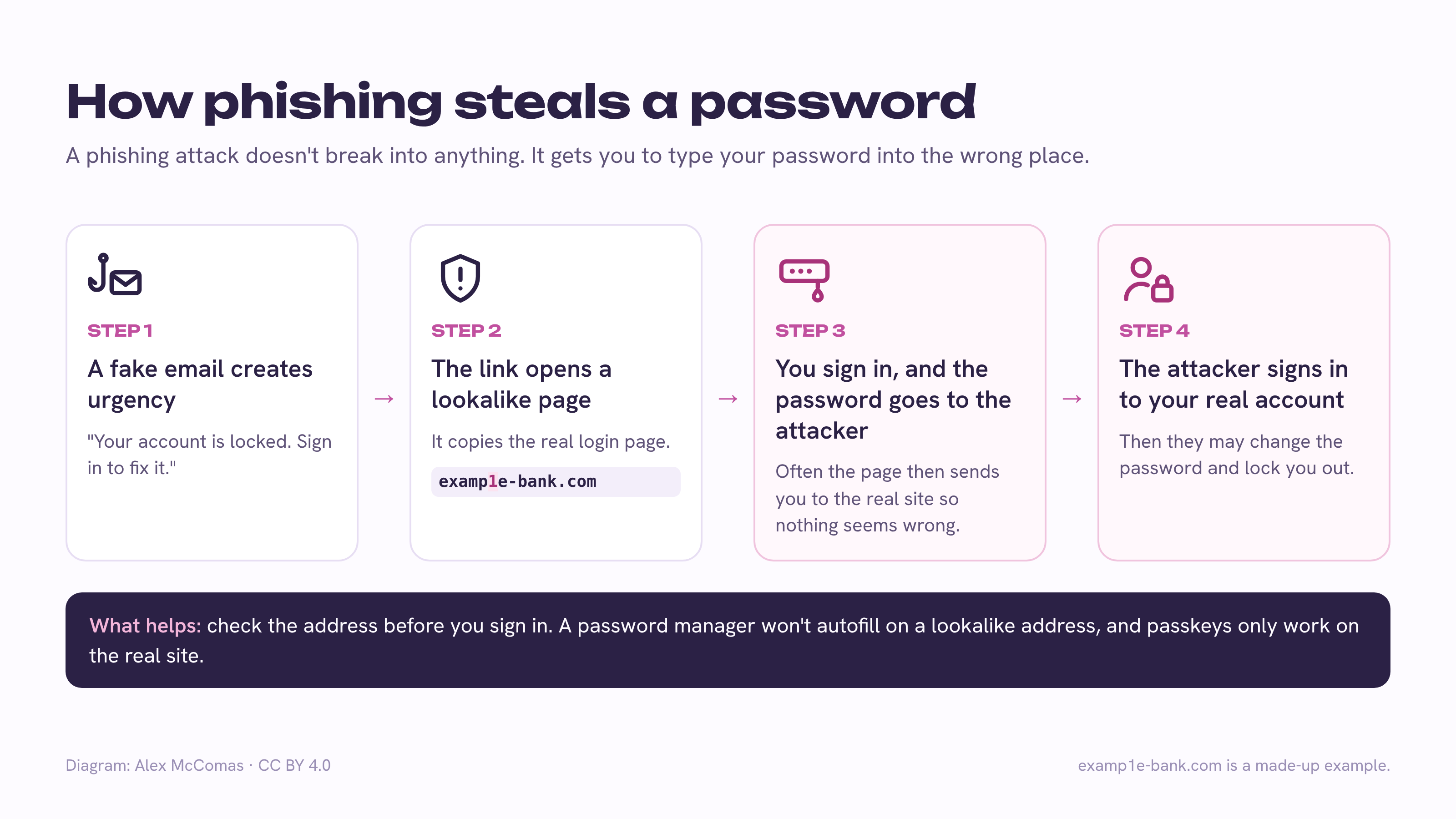
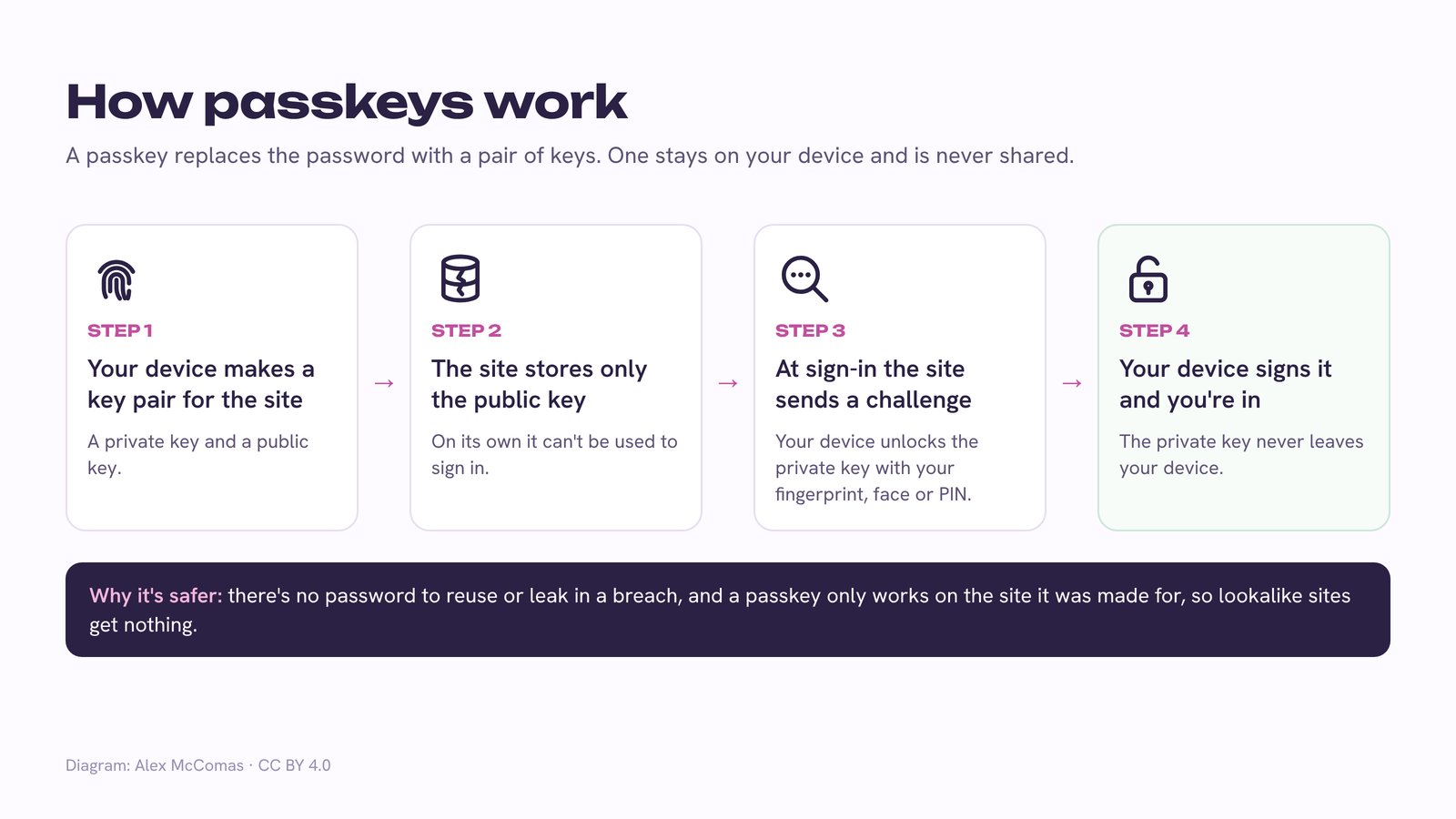
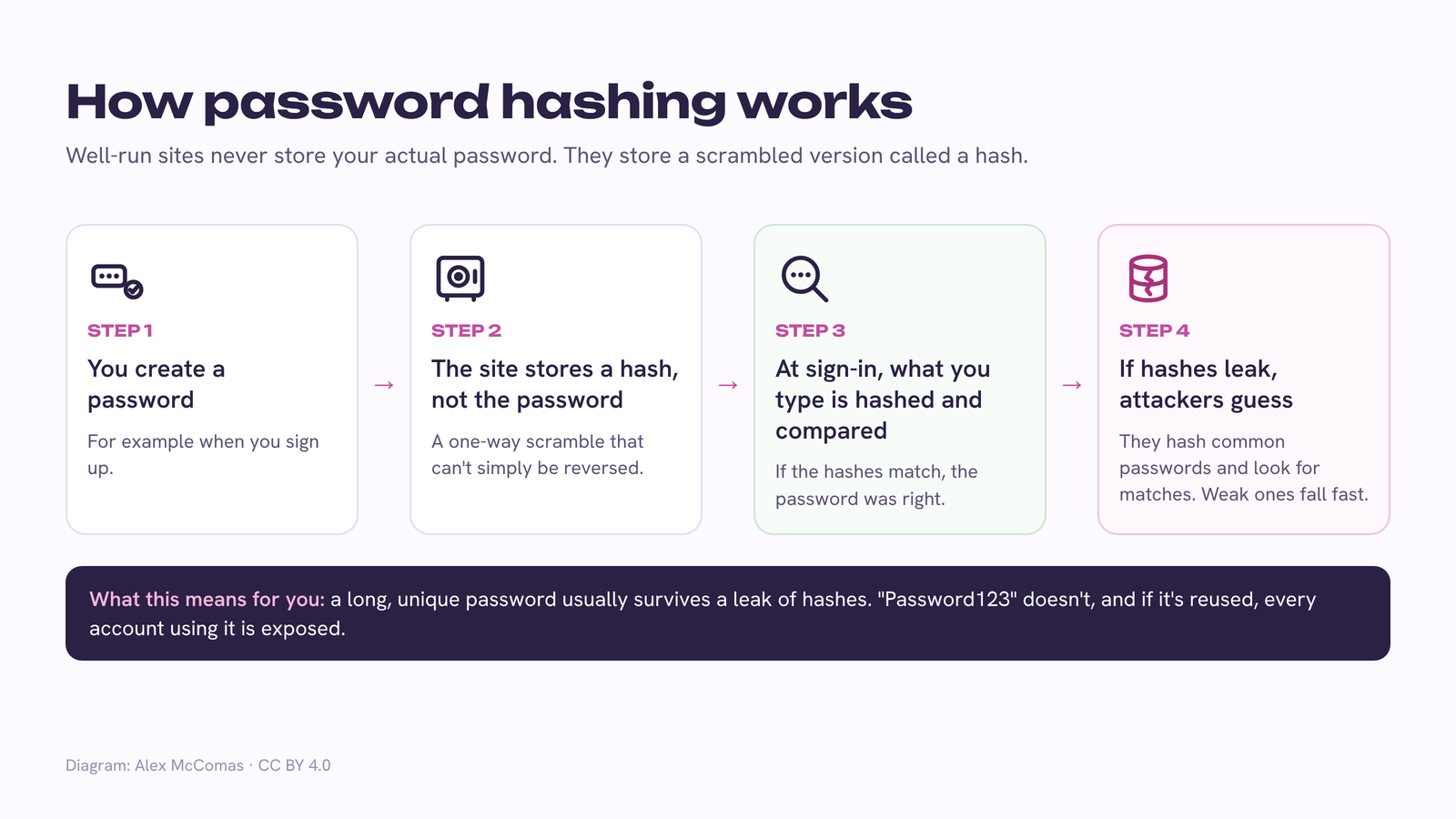
How two-factor login worksTwo-factor authentication adds a second check after your password, using something only you have.Download high-res PNGHow credential stuffing worksAttackers take logins leaked from one site and try them on many others, betting that people reuse passwords.Download high-res PNGHow a private password breach check worksYou can check a password against leaked password lists without ever sending the password itself.Download high-res PNGHow phishing steals a passwordA phishing attack doesn't break into anything. It gets you to type your password into the wrong place.Download high-res PNGHow passkeys workA passkey replaces the password with a pair of keys. One stays on your device and is never shared.Download high-res PNGHow password hashing worksWell-run sites never store your actual password. They store a scrambled version called a hash.Download high-res PNG
How to credit the diagrams
Paste this under the diagram or in your page credits:
Diagram: <a href="https://getrekey.com/free-security-diagrams">Alex McComas / Rekey</a>, CC BY 4.0
Not able to add a link? Plain text works too:
Diagram: Alex McComas / Rekey (getrekey.com/free-security-diagrams), CC BY 4.0
The diagrams were made for the guides on this site and are shared by Alex McComas, who builds Rekey, a browser extension for changing passwords after a breach. The breach check diagram follows the method used by Have I Been Pwned's Pwned Passwords range search.
We use Google Analytics cookies to see how the site is used. No ads, no cross-site tracking. See our Privacy Policy.